Collections
Browse curated product collections organized by your store.
Collections Page
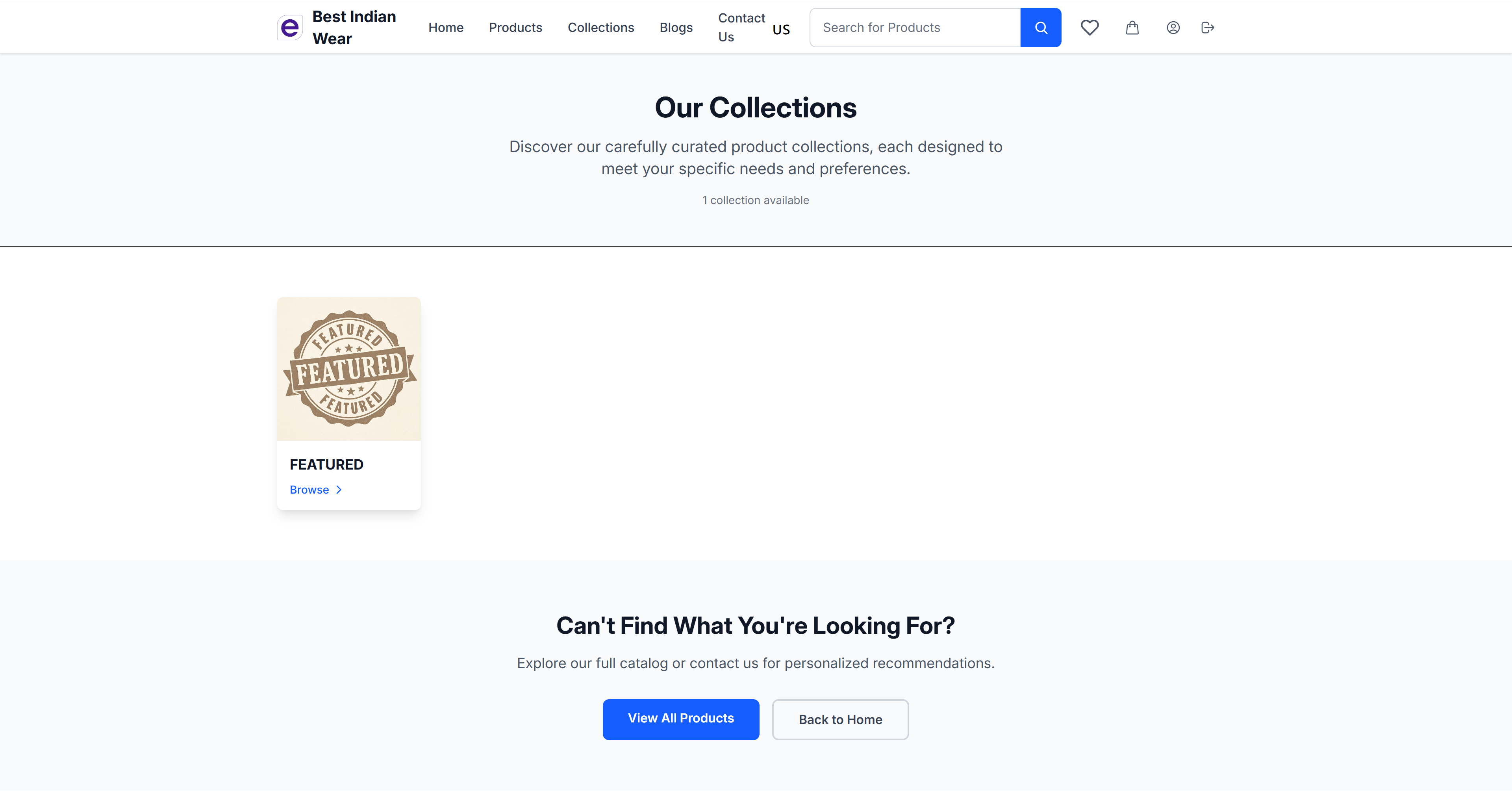
The collections page displays all available product collections.
Features
- Collection Count - Shows the total number of available collections
- Collection Cards - Each collection displays:
- Collection cover image
- Collection name
- "Browse" link to view products
- Call to Action - "Can't Find What You're Looking For?" section with:
- View All Products - Browse the complete catalog
- Back to Home - Return to the homepage
Newsletter Signup
Every theme's collections page includes an inline email signup form, inviting shoppers to hear about new collections and exclusive offers:
- Shoppers enter their email and click Subscribe — a confirmation message appears right in place, without leaving the page
- Subscribers show up in the Dashboard's subscriber list, marked as having signed up from the collections page
- The form is styled to match the active theme, and includes built-in spam protection so bot submissions are discarded automatically
Collection Detail
Click "Browse" on any collection to view its products.
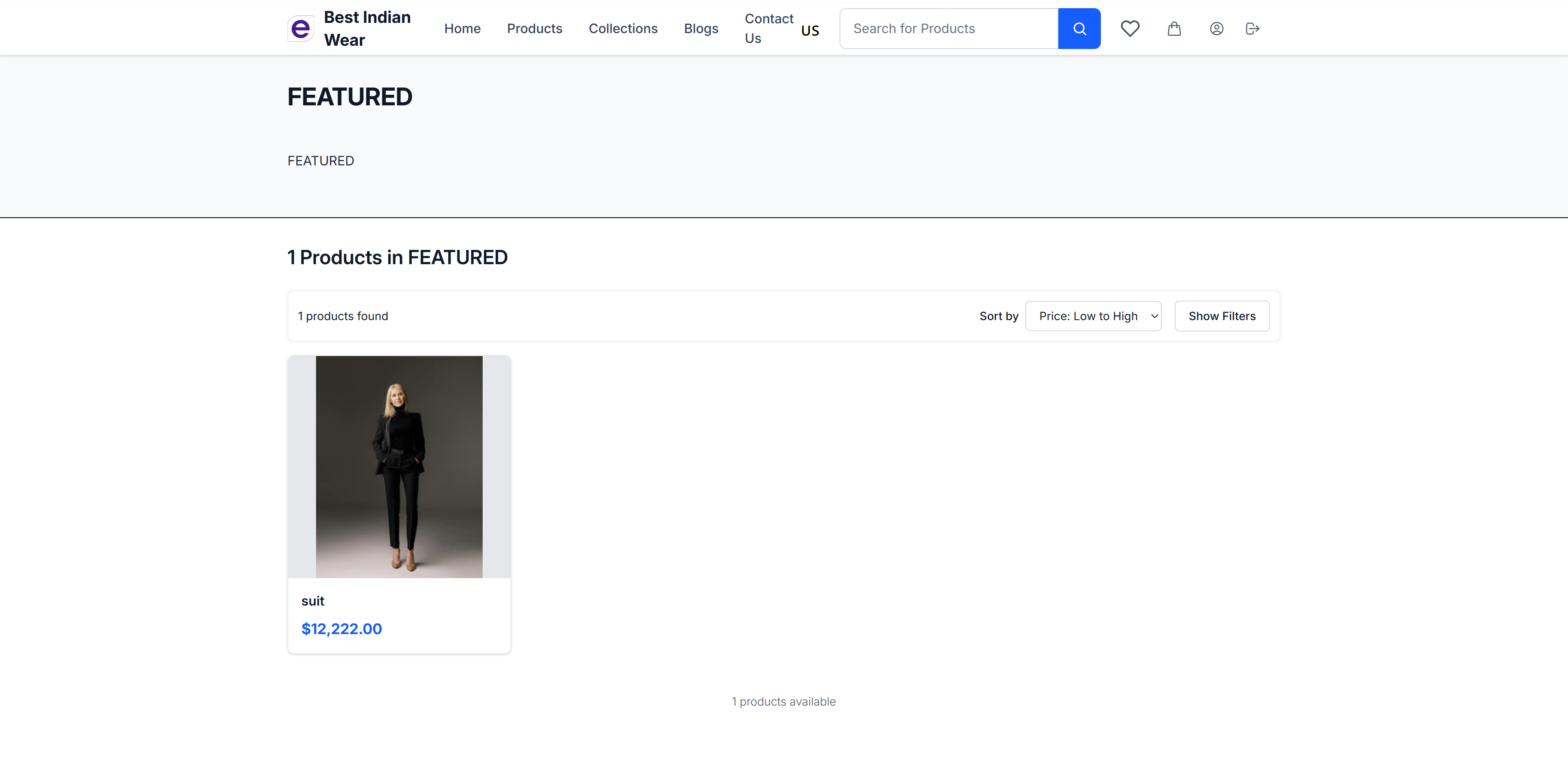
The collection detail page shows:
- Collection name
- All products within the collection
- Product cards with images, names, and prices
- Standard sort and filter options