Customer Management
Manage and view customer information from the Customer Directory.
Customer Directory
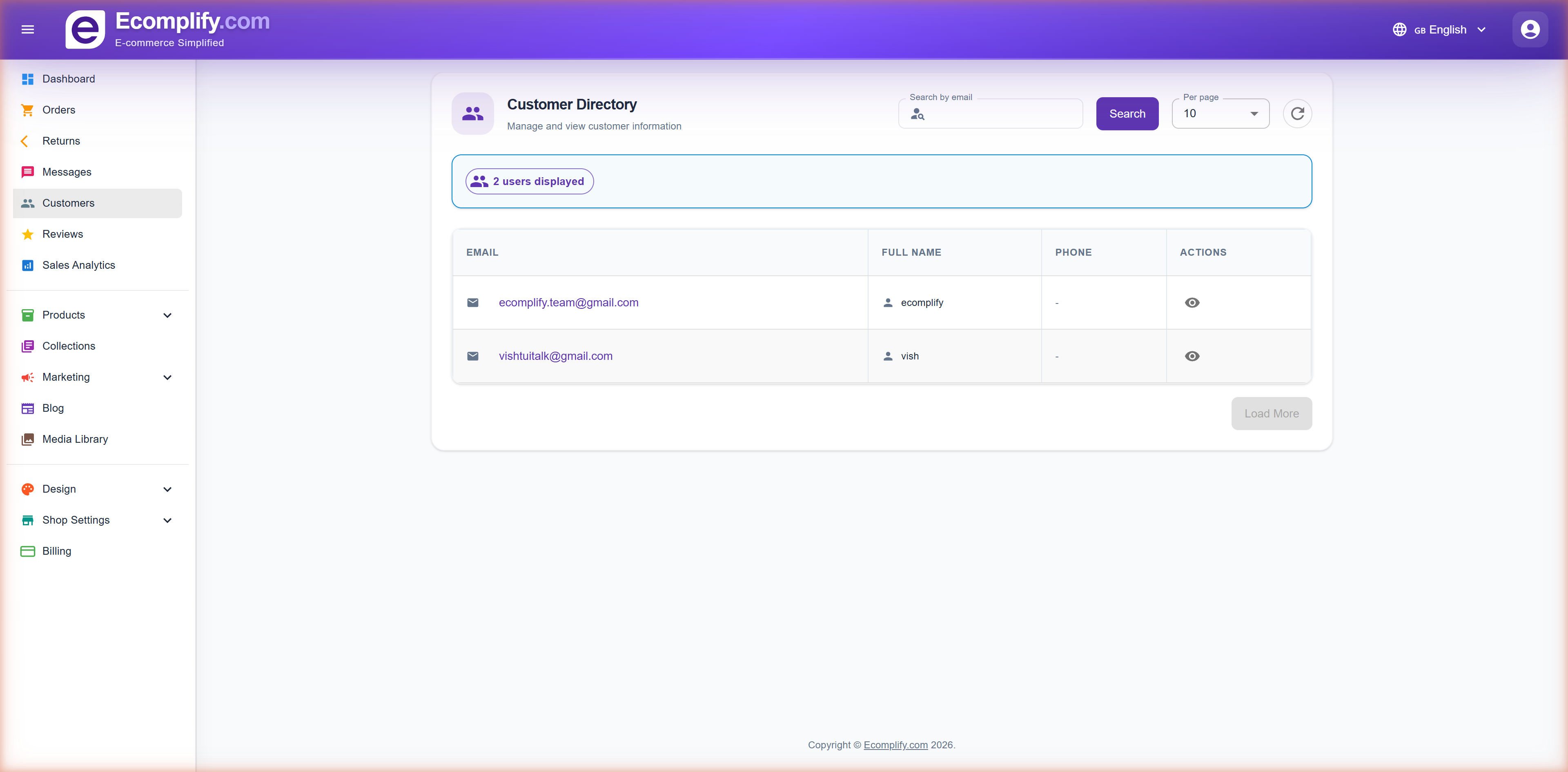
The Customer Directory provides a centralized view of all registered customers.
Customer Information
Each customer entry displays:
- Email - Customer's email address
- Full Name - Customer's display name
- Phone - Contact phone number
- Actions - View detailed customer profile
Search & Filtering
- Search customers by email address
- Set number of customers per page
- Refresh the customer list
Customer Details
Click the view button on any customer to see their full profile.
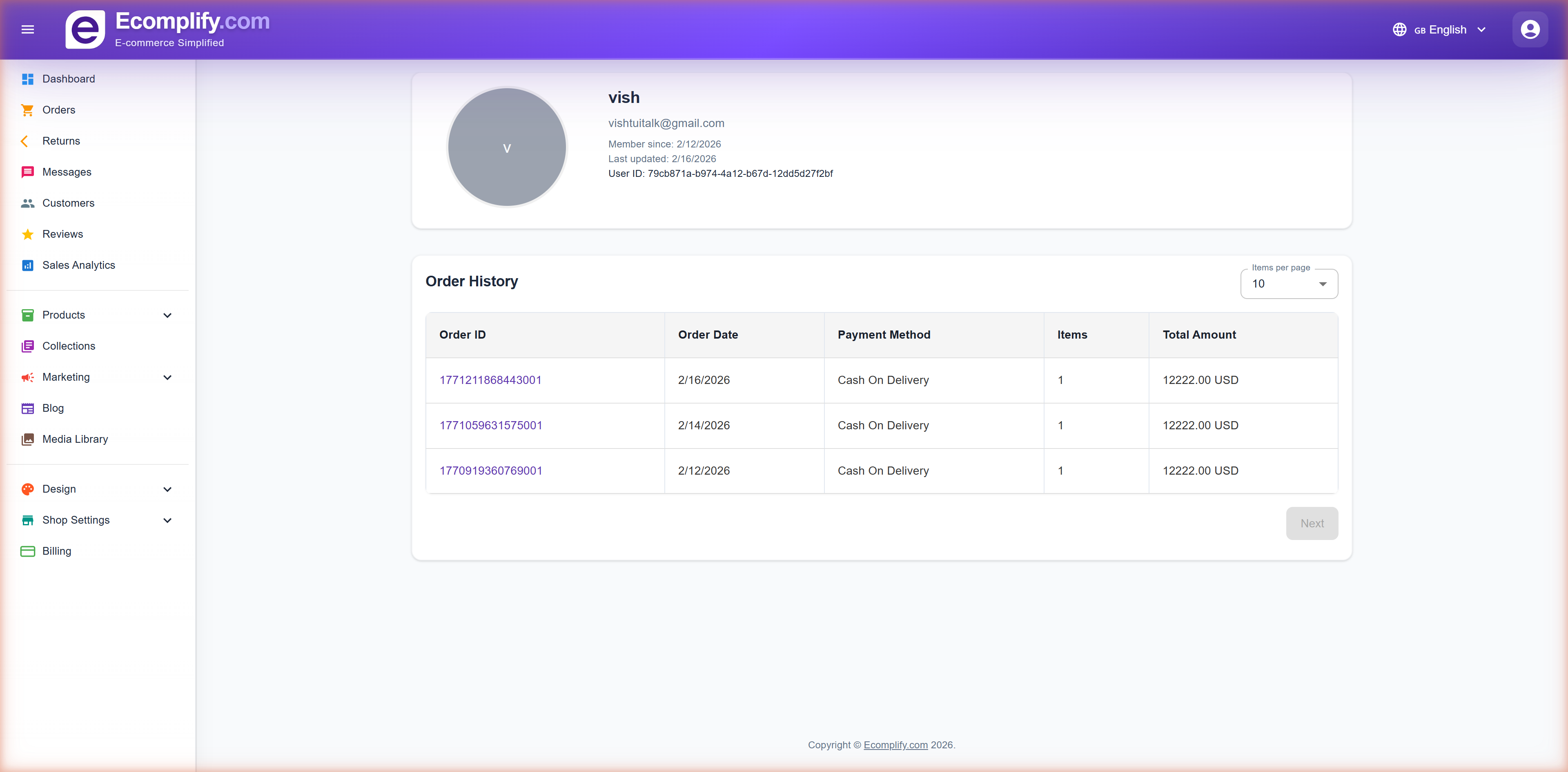
The customer detail page shows:
- Complete contact information
- Order history
- Account activity
- Address information
Messages
Manage customer inquiries and communications from the Messages page.
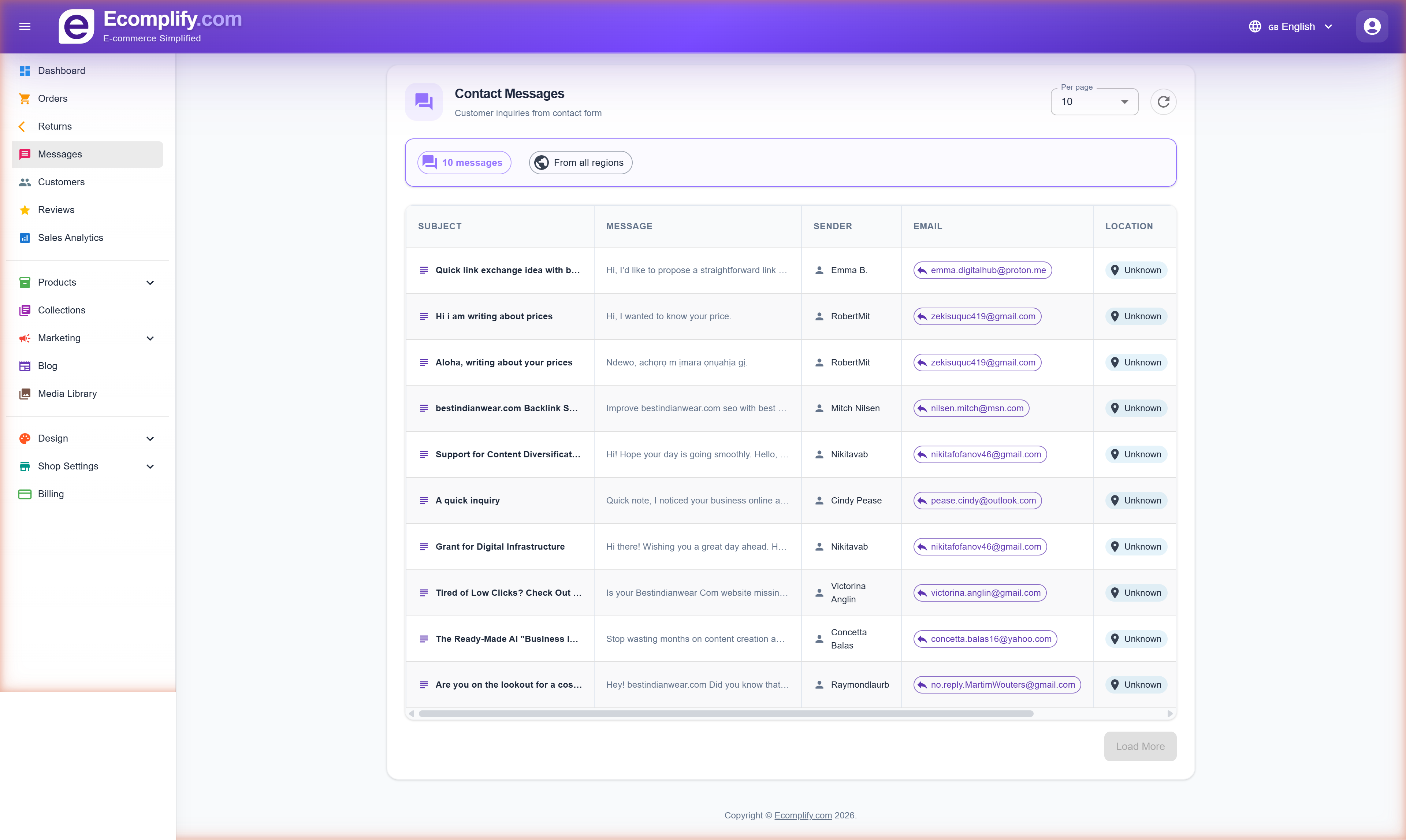
The messaging system allows you to:
- View all customer messages and inquiries
- Read and respond to customer communications
- Track message status (read/unread)
- Manage customer support conversations
Reviews Management
Moderate and manage product reviews from the Reviews page.
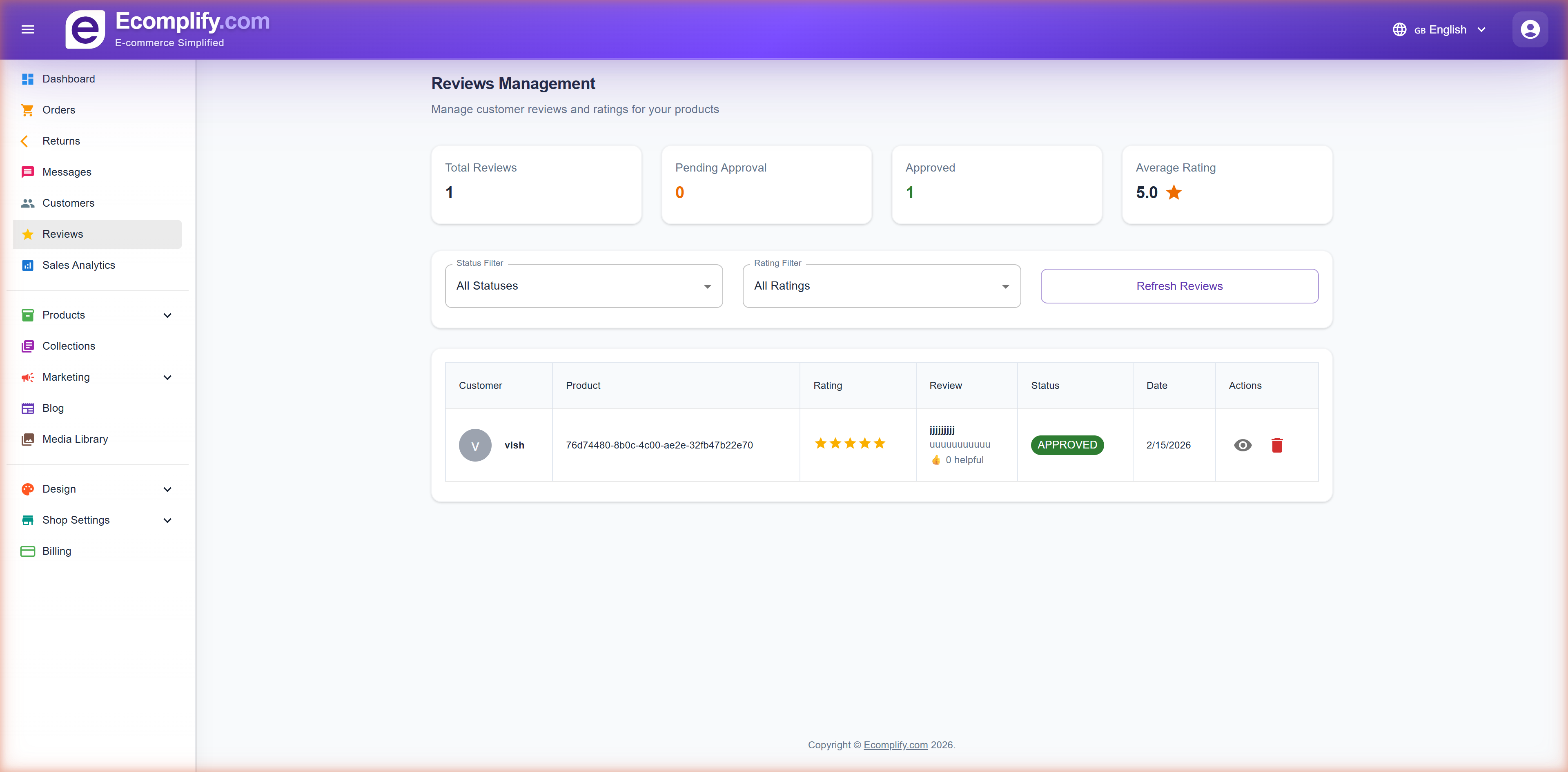
Review Dashboard
At the top, you can see key metrics:
- Total Reviews - Total number of submitted reviews
- Pending Approval - Reviews waiting for moderation
- Approved - Published reviews
- Average Rating - Overall star rating across all products
Filtering Reviews
- Filter by Status (All, Pending, Approved, Rejected)
- Filter by Rating (All, 1-5 stars)
- Refresh Reviews to reload the list
Review Details
Each review shows:
- Customer name and avatar
- Product identifier
- Star rating (1-5 stars)
- Review text content
- Status badge (Approved/Pending/Rejected)
- Date submitted
- Actions: View, Delete
Moderation
Review moderation lets you:
- Approve reviews to publish them on your storefront
- Reject inappropriate reviews
- Delete reviews permanently
- Reviews marked as "Approved" are visible to customers